


Authelia with Docker Compose and Traefik: Lightweight SSO and 2FA
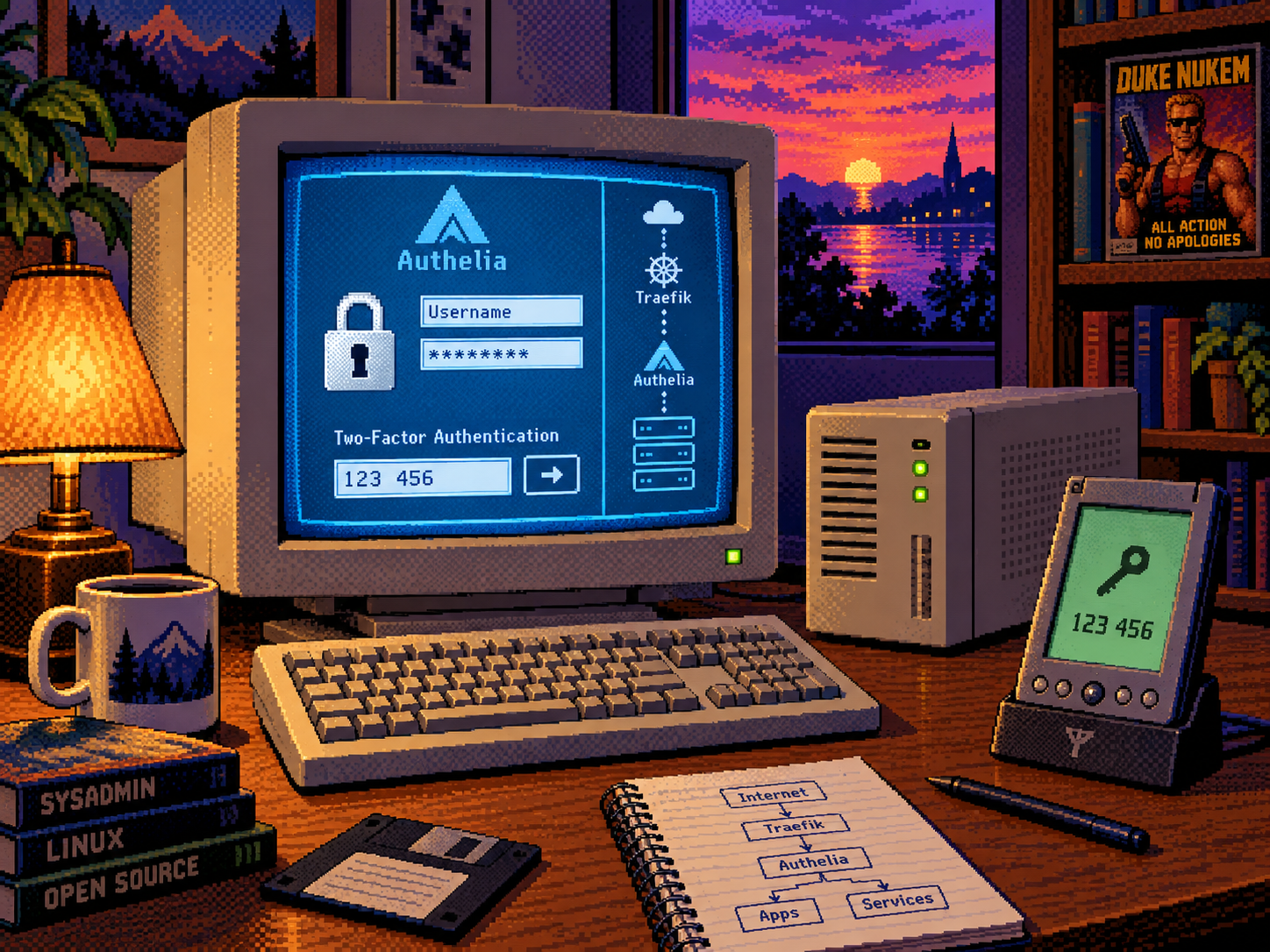 |
| One keyhole, one second factor, many carefully placed pixels. |
Table of Contents 📑
- Changelog
- 1. What Authelia Does — and What It Does Not Do
- 2. Prerequisites and Design Choices
- 3. Create the Directory Structure
- 4. Create the Environment and Secret Files
- 5. Configure Authelia
- 6. Create the First User
- 7. Create the Docker Compose Stack
- 8. Protect a Web Service
- 9. Enroll and Test the Second Factor
- 10. Backups and Recovery
- 11. Safe Upgrades
- 12. Extending Authelia with OIDC
- Conclusion
- Sources
Shared file-defined middleware uses the @file provider suffix. Traefik provider namespaces.
Authelia is a self-hosted authentication and authorization server. It can add a central login and a second factor to web applications through a reverse proxy, and it can act as an OpenID Connect (OIDC) Provider for applications with native SSO support.
This guide builds a small, single-node Authelia deployment with Docker Compose, a file-based user directory, SQLite storage, SMTP notifications, and the Traefik stack used throughout this site. It is a practical fit for a personal server or a small trusted group; it is not a high-availability design.
Changelog
| Date | Change |
|---|---|
| 2026-10-11 | Fixed the CrowdSec middleware provider to match the shared file configuration. |
| 2026-07-17 | Initial Version: Added a pinned Authelia deployment, Traefik ForwardAuth, TOTP/WebAuthn enrollment, secret files, testing, backups, and upgrade guidance. |
1. What Authelia Does — and What It Does Not Do
Authelia provides two related integration modes:
| Mode | Best for | How it works |
|---|---|---|
| Traefik ForwardAuth | Browser-based services without native OIDC | Traefik asks Authelia whether each request may pass. |
| OpenID Connect Provider | Applications with native SSO support | The application redirects the user to Authelia and receives an identity token. |
Both modes can share the same account and second-factor registration. That makes Authelia more useful than a Matrix-only authentication component: one instance can protect dashboards through ForwardAuth and also provide OIDC to services such as Synapse, Forgejo, or other compatible applications.
| ⚠️ DO NOT PUT EVERY API BEHIND FORWARDAUTH |
ForwardAuth is ideal for interactive browser applications. Native mobile clients, webhooks, CalDAV/CardDAV endpoints, and machine APIs may not understand a redirect to a login portal. Prefer the application’s native OIDC integration, a dedicated API token, or a narrowly scoped bypass rule for those endpoints. |
Authelia strengthens the login path. It does not revoke sessions that an application already issued, repair weak application permissions, replace backups, or make a compromised reverse proxy harmless.
Browser ──HTTPS──> Traefik ──ForwardAuth──> Authelia
                       │                       │
                       │ allowed               ├─ password file
                       ▼                       ├─ TOTP / WebAuthn state
                 protected app                └─ SQLite + SMTP

OIDC-capable app ──redirect──> Authelia ──signed identity──> app
2. Prerequisites and Design Choices
Complete the Traefik v3 and CrowdSec guide first. This article reuses its:
- external Docker network named
proxy; - HTTPS entrypoint named
websecure; - certificate resolver named
tls_resolver; security-headers@fileandcrowdsec-bouncer@filemiddlewares.
You also need:
- a DNS record such as
auth.your-domain.compointing to the server; - working SMTP credentials for registration and recovery messages;
- Docker Compose and OpenSSL;
- a password manager and an authenticator or security key.
This guide pins Authelia 4.39.20, the current release tested by the official Synapse integration guide at the time of writing. Review the Authelia releases before changing the pin.
| ℹ️ WHY SQLITE HERE? |
Authelia supports SQLite for a single instance. It is simple and sufficient for this small deployment, but it prevents a multi-instance high-availability setup. Use PostgreSQL or MySQL if you later run multiple Authelia replicas. |
3. Create the Directory Structure
sudo mkdir -p /opt/containers/authelia/{config,data,secrets}
cd /opt/containers/authelia

sudo touch config/configuration.yml config/users_database.yml
sudo chmod 600 config/configuration.yml config/users_database.yml
sudo chmod 700 secrets
The resulting layout is deliberately split by purpose:
/opt/containers/authelia/
├── compose.yml
├── .env
├── config/
│   ├── configuration.yml
│   └── users_database.yml
├── data/
│   └── db.sqlite3             # created by Authelia
└── secrets/
    ├── RESET_PASSWORD_JWT_SECRET
    ├── SESSION_SECRET
    ├── STORAGE_ENCRYPTION_KEY
    └── SMTP_PASSWORD
4. Create the Environment and Secret Files
Create /opt/containers/authelia/.env:
AUTHELIA_HOST=auth.your-domain.com
TZ=Europe/Vienna
PUID=1000
PGID=1000
Replace PUID and PGID with the account that owns the stack:
id -u
id -g
Align the bind-mount ownership with those values (replace 1000:1000 if necessary):
sudo chown -R 1000:1000 config data secretsGenerate the three local cryptographic secrets without printing them to the terminal:
cd /opt/containers/authelia

sudo install -o 1000 -g 1000 -m 600 /dev/null secrets/RESET_PASSWORD_JWT_SECRET
openssl rand -hex 64 | sudo tee secrets/RESET_PASSWORD_JWT_SECRET >/dev/null

sudo install -o 1000 -g 1000 -m 600 /dev/null secrets/SESSION_SECRET
openssl rand -hex 64 | sudo tee secrets/SESSION_SECRET >/dev/null

sudo install -o 1000 -g 1000 -m 600 /dev/null secrets/STORAGE_ENCRYPTION_KEY
openssl rand -hex 64 | sudo tee secrets/STORAGE_ENCRYPTION_KEY >/dev/null

sudo install -o 1000 -g 1000 -m 600 /dev/null secrets/SMTP_PASSWORD
sudo nano secrets/SMTP_PASSWORD
Enter only the SMTP password in the last file. Do not put a trailing explanation or username in it. The -o and -g values must stay aligned with PUID and PGID, otherwise the unprivileged container process cannot read the files.
| ⚠️ THE STORAGE ENCRYPTION KEY IS NOT DISPOSABLE |
Back up |
5. Configure Authelia
Create /opt/containers/authelia/config/configuration.yml:
server:
  address: 'tcp://0.0.0.0:9091/'

log:
  level: 'info'

theme: 'dark'

totp:
  disable: false
  issuer: 'your-domain.com'
  period: 30
  skew: 1

webauthn:
  disable: false
  display_name: 'Your Domain'

identity_validation:
  reset_password:
    jwt_lifespan: '5 minutes'

authentication_backend:
  password_reset:
    disable: false
  refresh_interval: '5 minutes'
  file:
    path: '/config/users_database.yml'
    watch: true
    password:
      algorithm: 'argon2'
      argon2:
        variant: 'argon2id'
        iterations: 3
        memory: 65536
        parallelism: 4
        key_length: 32
        salt_length: 16

access_control:
  default_policy: 'deny'
  rules:
    - domain: 'protected.your-domain.com'
      policy: 'two_factor'

session:
  name: 'authelia_session'
  same_site: 'lax'
  inactivity: '5 minutes'
  expiration: '1 hour'
  remember_me: '1 month'
  cookies:
    - domain: 'your-domain.com'
      authelia_url: 'https://auth.your-domain.com'
      default_redirection_url: 'https://protected.your-domain.com'

regulation:
  max_retries: 3
  find_time: '2 minutes'
  ban_time: '5 minutes'

storage:
  local:
    path: '/data/db.sqlite3'

notifier:
  smtp:
    address: 'submission://mail.your-domain.com:587'
    username: 'authelia@your-domain.com'
    sender: 'Authelia <authelia@your-domain.com>'
    subject: '[Authelia] {title}'
The password, session, reset-token, and storage secrets are intentionally absent. Docker injects them from files in the next section.
Adjust the session cookie domain to the parent domain shared by the portal and protected services. Never set it to a public suffix such as .com. Add one sequential access_control.rules entry per protected host or path; with default_policy: deny, an unlisted destination remains closed.
6. Create the First User
Generate an Argon2id password digest interactively, so the plaintext password does not appear in shell history:
docker run --rm -it authelia/authelia:4.39.20 \
  authelia crypto hash generate argon2
Copy only the resulting $argon2id$... digest into /opt/containers/authelia/config/users_database.yml:
users:
  your-username:
    disabled: false
    displayname: 'Your Name'
    password: '$argon2id$v=19$m=65536,t=3,p=4$REPLACE-WITH-YOUR-DIGEST'
    email: 'you@your-domain.com'
    groups:
      - 'admins'
The username is security-sensitive when an application automatically links OIDC identities to existing accounts. Users must not be allowed to rename themselves to another person’s application username.
7. Create the Docker Compose Stack
Create /opt/containers/authelia/compose.yml:
services:
  authelia:
    image: authelia/authelia:4.39.20
    container_name: authelia
    restart: unless-stopped
    user: '${PUID}:${PGID}'
    environment:
      TZ: ${TZ}
      AUTHELIA_IDENTITY_VALIDATION_RESET_PASSWORD_JWT_SECRET_FILE: /secrets/RESET_PASSWORD_JWT_SECRET
      AUTHELIA_SESSION_SECRET_FILE: /secrets/SESSION_SECRET
      AUTHELIA_STORAGE_ENCRYPTION_KEY_FILE: /secrets/STORAGE_ENCRYPTION_KEY
      AUTHELIA_NOTIFIER_SMTP_PASSWORD_FILE: /secrets/SMTP_PASSWORD
    volumes:
      - ./config:/config:ro
      - ./data:/data
      - ./secrets:/secrets:ro
    networks:
      - proxy
    labels:
      - 'traefik.enable=true'
      - 'traefik.docker.network=proxy'
      - 'traefik.http.routers.authelia.rule=Host(`${AUTHELIA_HOST}`)'
      - 'traefik.http.routers.authelia.entrypoints=websecure'
      - 'traefik.http.routers.authelia.tls.certresolver=tls_resolver'
      - 'traefik.http.routers.authelia.middlewares=security-headers@file,crowdsec-bouncer@file'
      - 'traefik.http.services.authelia.loadbalancer.server.port=9091'

      # Reusable ForwardAuth middleware. Do not add this middleware to
      # the Authelia portal router itself, or you will create a loop.
      - 'traefik.http.middlewares.authelia.forwardAuth.address=http://authelia:9091/api/authz/forward-auth'
      - 'traefik.http.middlewares.authelia.forwardAuth.trustForwardHeader=true'
      - 'traefik.http.middlewares.authelia.forwardAuth.maxResponseBodySize=8192'
      - 'traefik.http.middlewares.authelia.forwardAuth.authResponseHeaders=Remote-User,Remote-Groups,Remote-Name,Remote-Email'

networks:
  proxy:
    external: true
Validate the rendered Compose model before starting it:
cd /opt/containers/authelia
docker compose config --quiet
docker compose up -d
docker compose logs --tail=100 authelia
The container runs directly as the unprivileged UID/GID from .env; its entrypoint never needs to start as root. It also has no host port and no Docker socket. Traefik reaches it only through the shared proxy network.
8. Protect a Web Service
Add the authelia@docker middleware to an application’s Traefik router and add a matching Authelia access-control rule.
Example labels for protected.your-domain.com:
labels:
  - 'traefik.enable=true'
  - 'traefik.docker.network=proxy'
  - 'traefik.http.routers.protected.rule=Host(`protected.your-domain.com`)'
  - 'traefik.http.routers.protected.entrypoints=websecure'
  - 'traefik.http.routers.protected.tls.certresolver=tls_resolver'
  - 'traefik.http.routers.protected.middlewares=security-headers@file,crowdsec-bouncer@file,authelia@docker'
  - 'traefik.http.services.protected.loadbalancer.server.port=8080'
The corresponding rule already exists in the sample configuration:
access_control:
  default_policy: 'deny'
  rules:
    - domain: 'protected.your-domain.com'
      policy: 'two_factor'
Restart Authelia after changing the configuration:
docker compose restart authelia
docker compose logs --tail=100 authelia| 💡 KEEP AUTHORIZATION IN THE APPLICATION TOO |
Authelia can decide who may reach a service, but the service should still enforce its own roles and permissions. Authentication proves identity; it does not automatically make every authenticated user an administrator. |
9. Enroll and Test the Second Factor
- Open
https://protected.your-domain.comin a private browser window. - Sign in with the Authelia username and password.
- Use the portal to register TOTP or a WebAuthn security key.
- Confirm that the protected service is inaccessible without completing the second factor.
- Test logout and a new private window; an existing remembered session is not a valid 2FA test.
- Test the recovery email flow before depending on it.
TOTP is widely compatible. WebAuthn with a hardware security key or platform authenticator is generally more phishing-resistant. Register a second recovery-capable authenticator and store recovery material safely before removing any existing login route.
Useful diagnostics:
curl -fsS https://auth.your-domain.com/api/health
docker compose logs --tail=200 authelia
docker compose exec authelia authelia config validate --config /config/configuration.yml
10. Backups and Recovery
Back up these items together:
config/configuration.ymlandconfig/users_database.yml;- the complete
secrets/directory; data/db.sqlite3using an application-consistent snapshot;- the pinned
compose.ymland.env; - your SMTP and DNS recovery procedure.
An encrypted off-host backup is the real disaster-recovery copy. A second copy on the same filesystem does not protect against disk loss, ransomware, or a destructive administrative error.
| ⚠️ RESTORE AS A SET |
The database and its storage encryption key belong together. Restoring only one side can leave TOTP registrations and other encrypted state unreadable. Test a restore into an isolated environment before you need it. |
11. Safe Upgrades
- Read the Authelia release notes and configuration changes.
- Create a consistent, encrypted backup.
- Change the image pin deliberately; do not switch production to
latest. - Pull, validate, and recreate the service.
- Test password login, the second factor, SMTP, ForwardAuth, and every OIDC client.
docker compose pull authelia
docker compose config --quiet
docker compose up -d
docker compose logs --tail=100 authelia
12. Extending Authelia with OIDC
ForwardAuth is only half of the design. Applications with native OIDC support should normally use it, because their browser and API flows remain application-aware.
The next guide applies this to an existing Matrix account without accidentally creating a second Matrix identity: Adding Authelia 2FA to Matrix Synapse with OpenID Connect.
Conclusion
You now have a compact central authentication service that can enforce TOTP or WebAuthn for browser applications and later serve native OIDC clients. The useful security boundary is not the login page alone: keep the Traefik routing, Authelia policy, application permissions, existing sessions, secrets, and backups aligned.
📚 🔐 💬